ScreenerPro
Your rules. Your next opportunity.
Start with a ready-to-run recipe or build your own. Bring price, volume, broker activity and fundamentals into one screener that runs on your schedule.
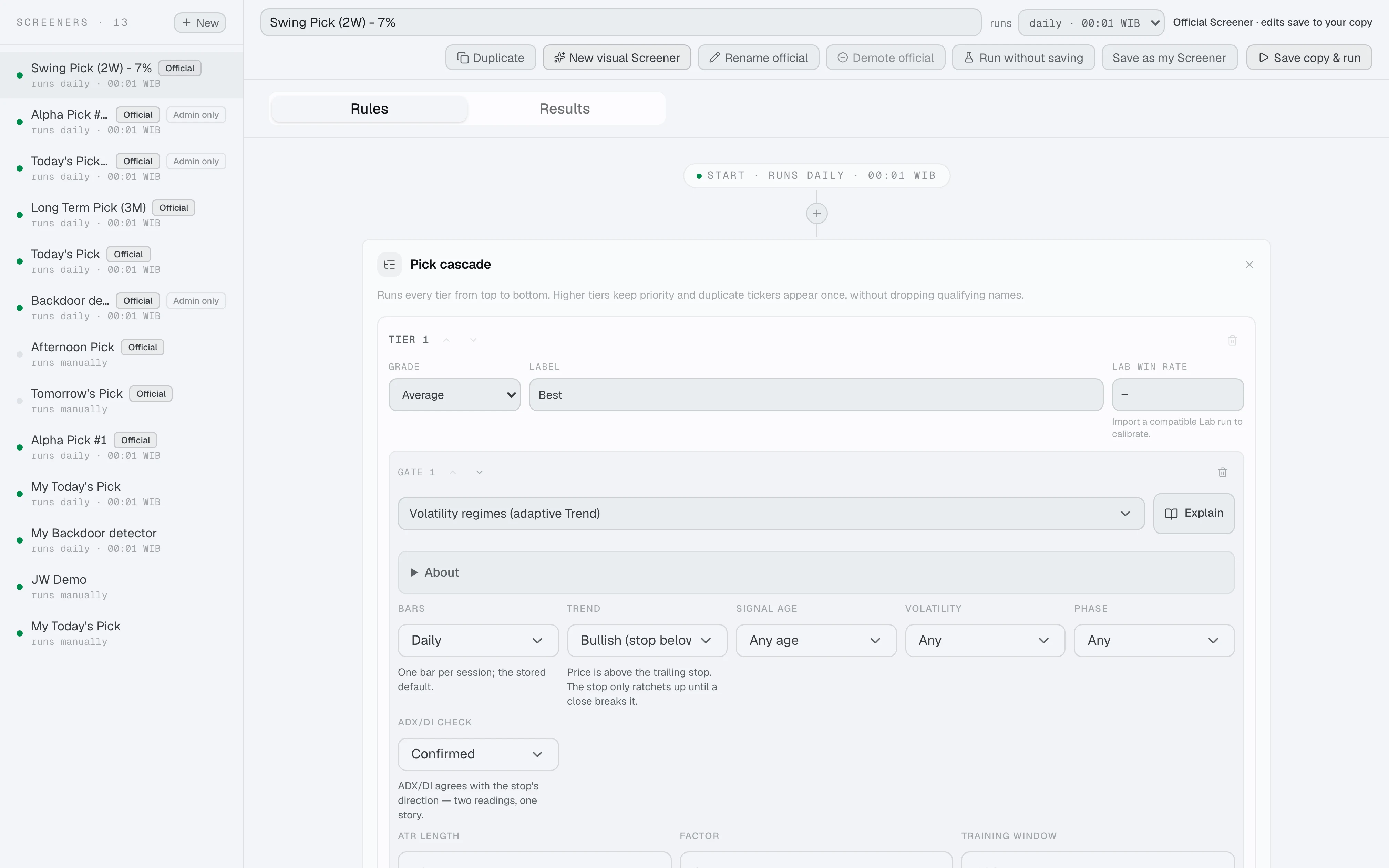
One market. Your perspective.
Find what fits you.
Momentum, value, broker activity. Bring the signals you follow into one view.
Build your edge
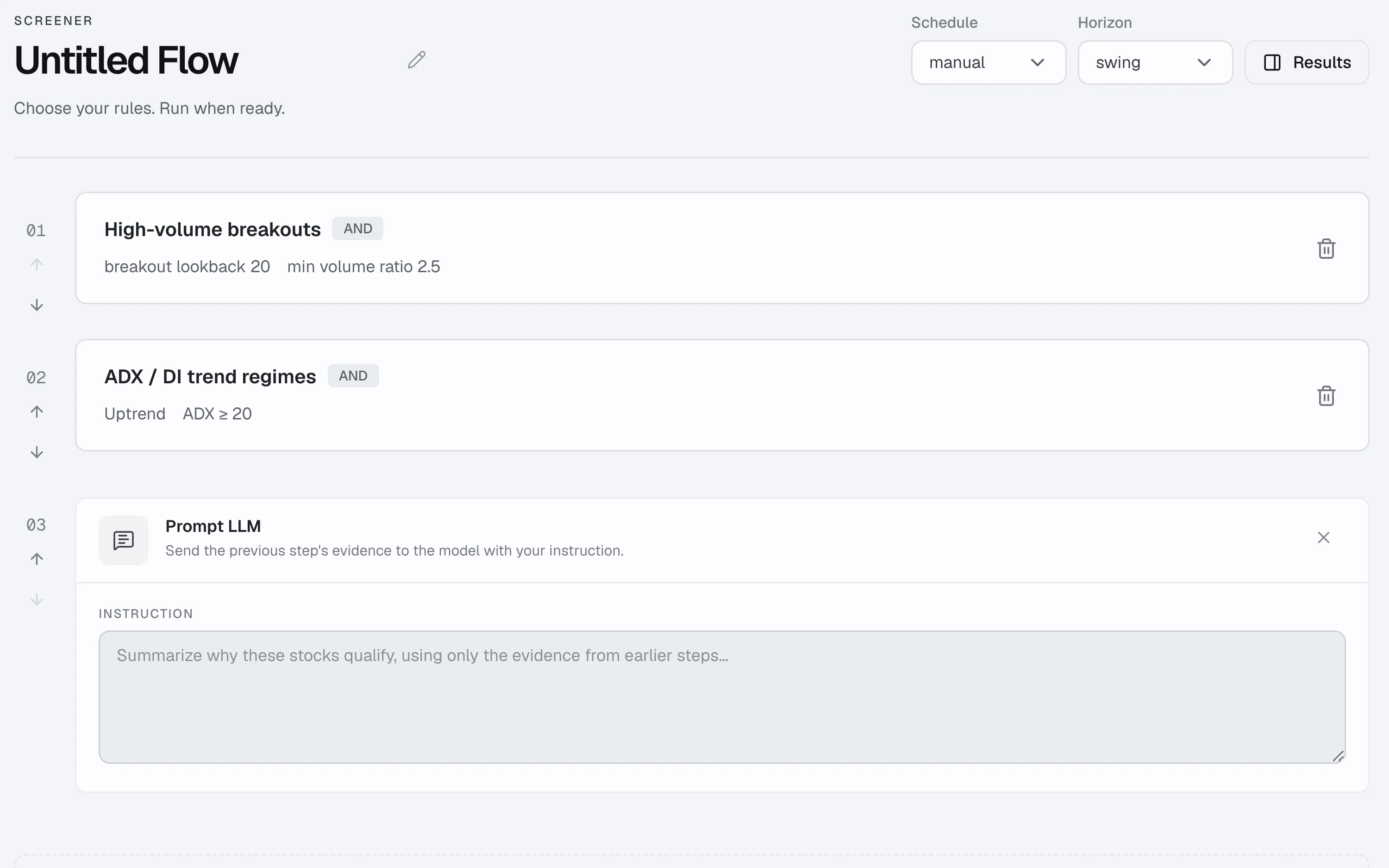
Think it. Build it. Refine it.
Connect market filters in a visual builder. Combine conditions, add a fallback and give AI an instruction grounded in the evidence from earlier steps.
From rules to results
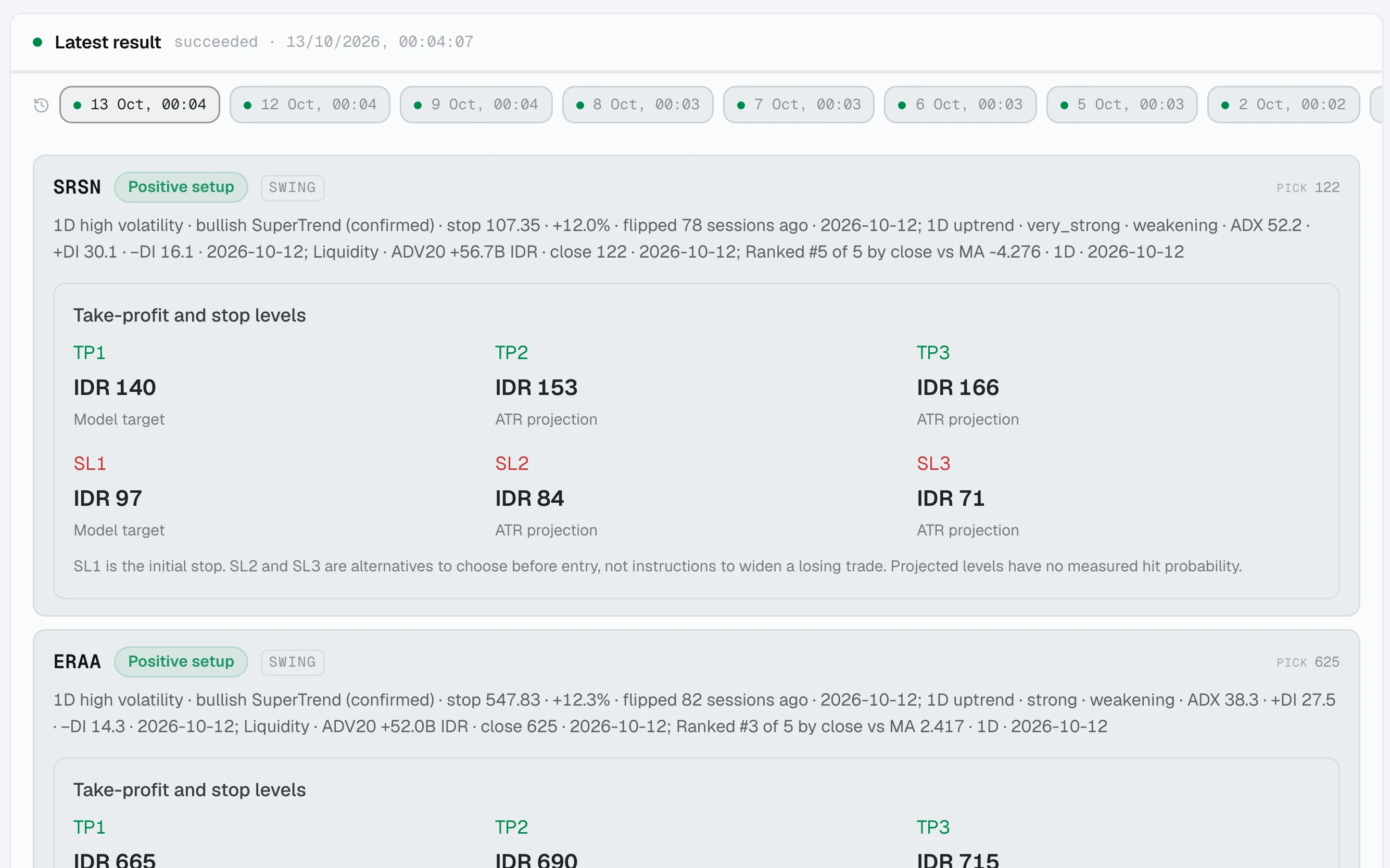
Every pick has a starting point.
Open a run to see the stocks it found, the price recorded at that moment and the latest price alongside it. Return to the same recipe whenever you need it.
What you get
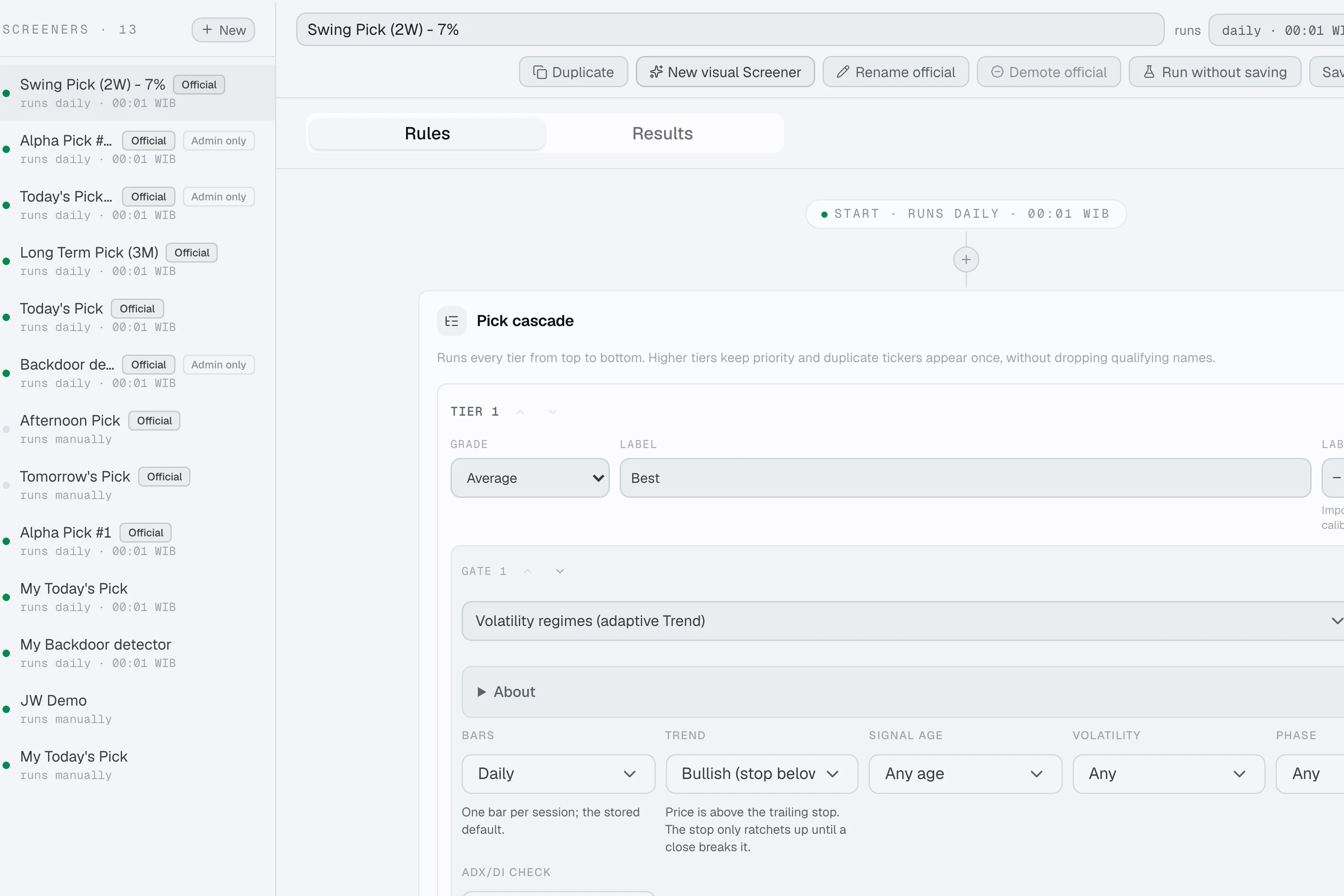
A recipe you can make your own.
Start from an Official screener. Change its steps and save a personal copy.
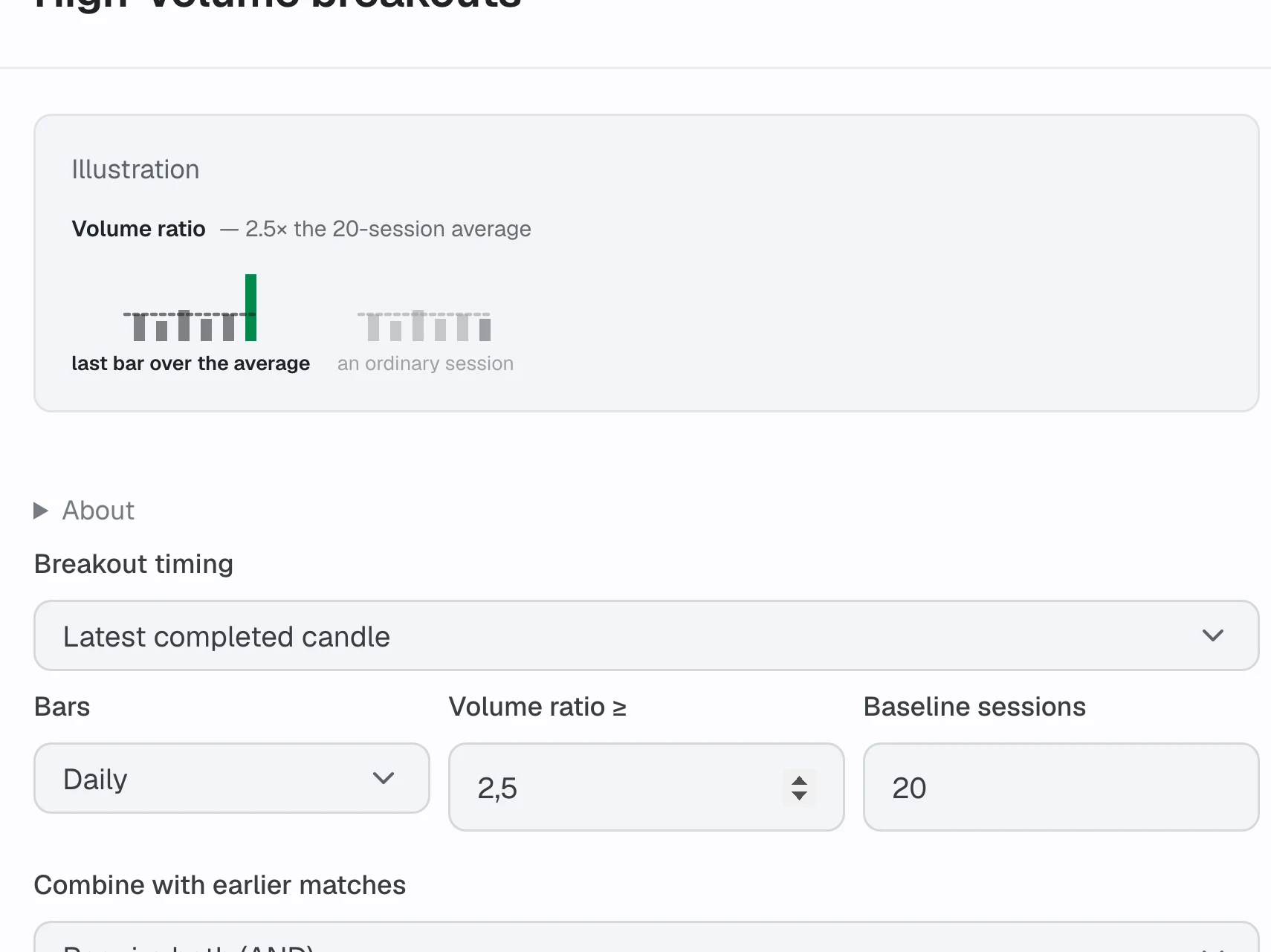
Find your conditions.
Combine trend, volume, volatility, fundamentals and broker flow.
Make every step count.
Join rules with AND, OR, NOT or Replace. Add fallback tiers.
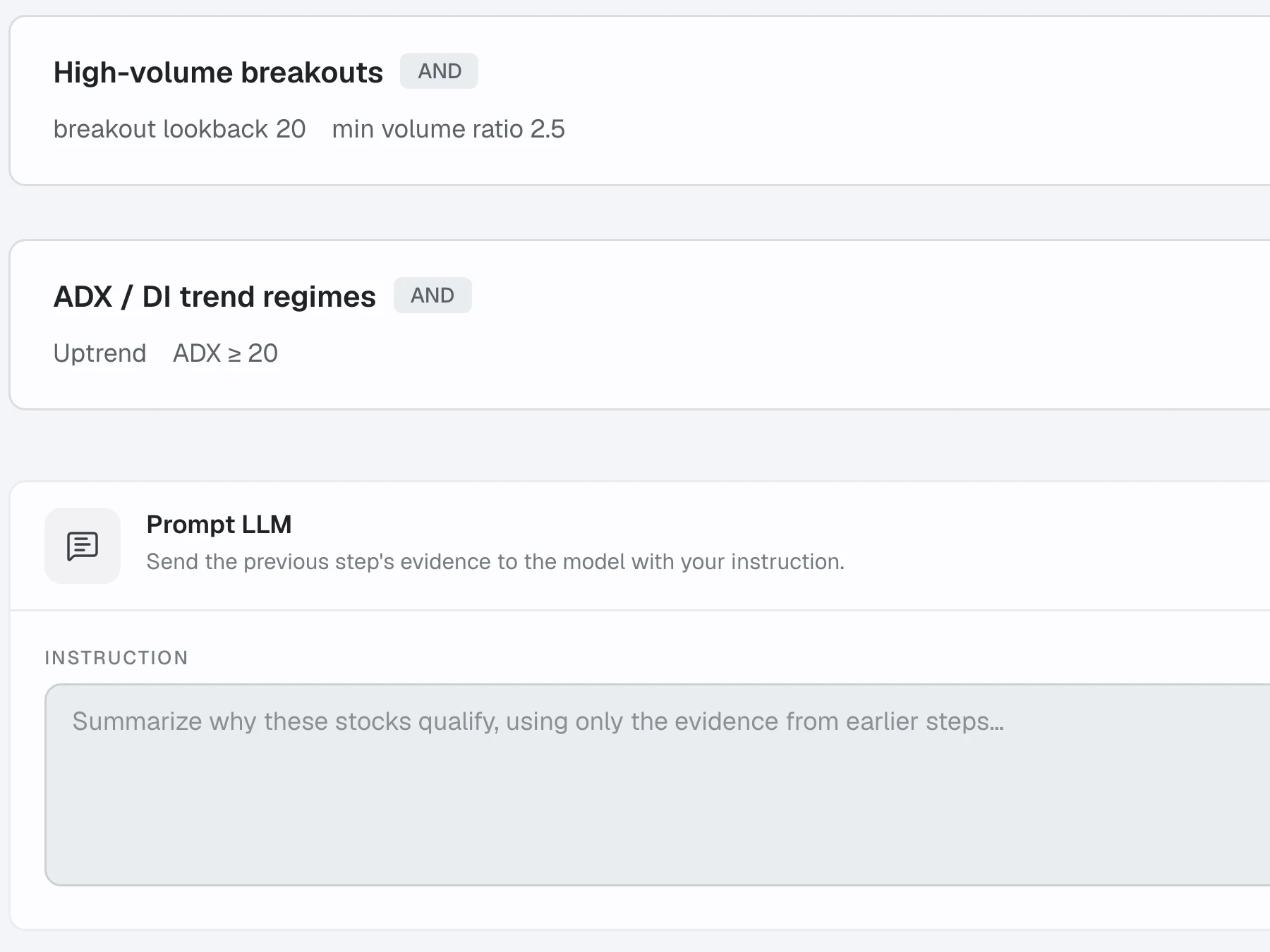
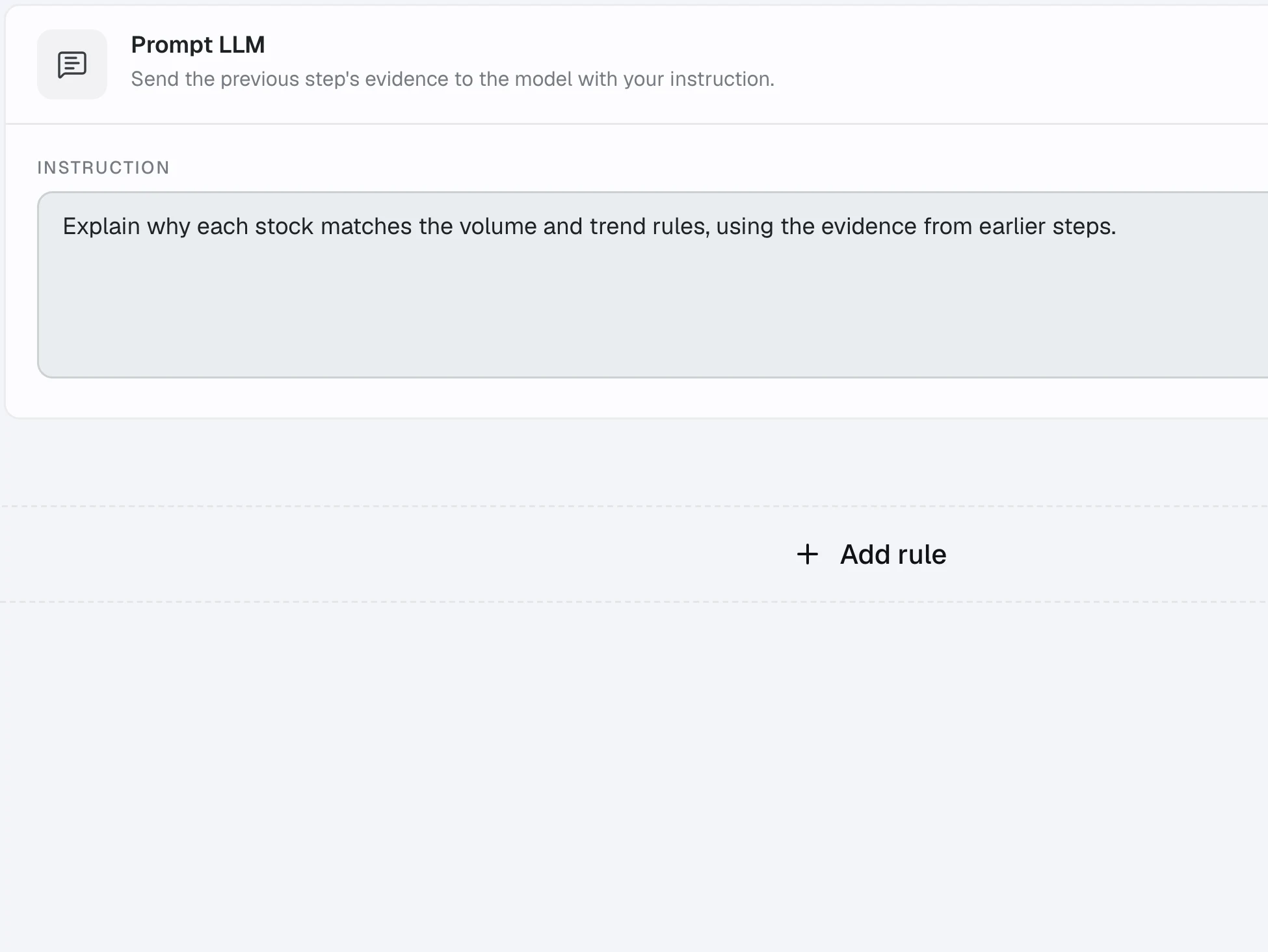
Give AI the context.
Prompt steps use evidence from the filters before them.
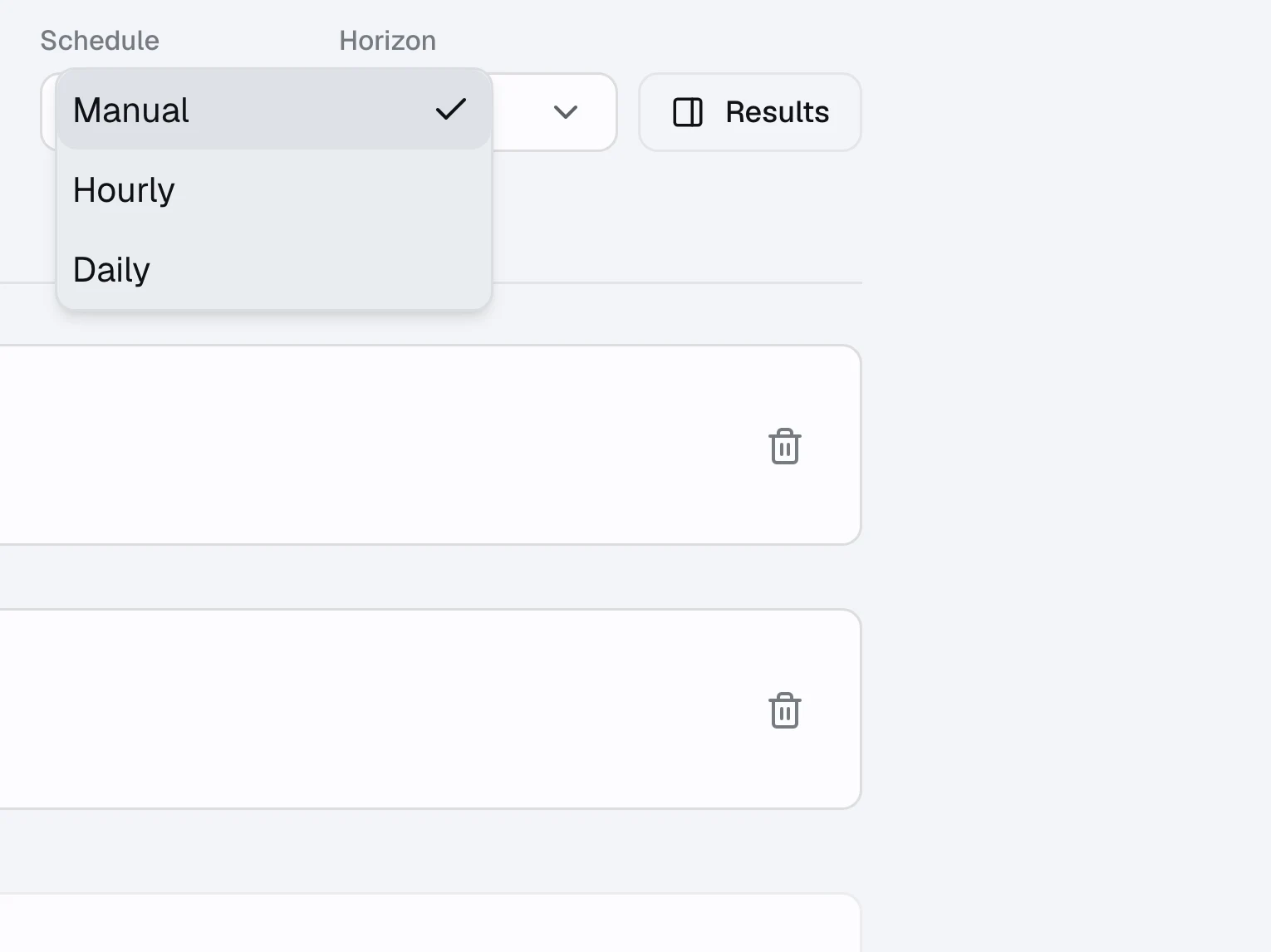
Set your rhythm.
Run on demand, every hour or on a daily schedule.
Put it to the test.
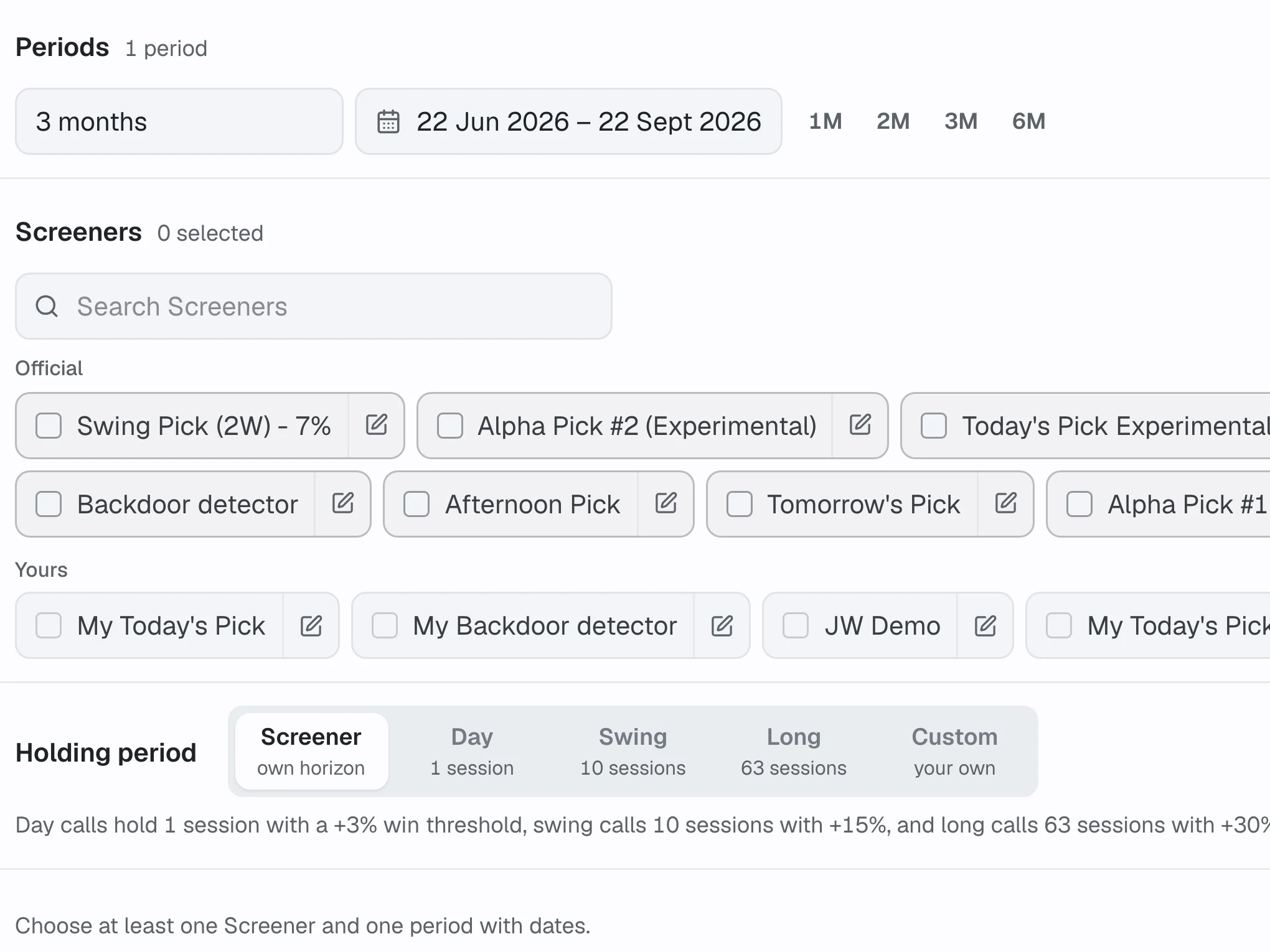
Replay your rules over past sessions with day, swing, long or custom horizons.
Questions
01Where do I start?
Open the Official screeners catalog and choose a recipe. Templates already run, so you can see a result before tuning the steps. Your personal screeners live alongside the catalog.
02Can I change an Official screener?
Yes. Editing an Official screener creates a personal copy. The original recipe stays available in the catalog, and your copy keeps your rules and schedule.
03What can I combine in a screener?
Price and trend filters, volume, volatility, broker flow, sectors, fundamentals, filings and news. Combine steps with AND, OR, NOT or Replace, add fallback tiers, and use prompt steps to interpret the evidence.
04Can I schedule runs and backtest the rules?
Yes. Run manually, hourly or daily. In Backtest, select historical periods and a day, swing, long or custom holding horizon to compare how the rules behaved.
05Is Screener included in Pro?
Yes. Pro includes screeners, backtests, Running Trades, day trade picks, chat and theses. The free plan covers Swing and Long term picks, news, broker activity, ownership, charts, Portfolio and the AI connector.